






Quick Answer
The best wellness spending account for home office equipment in Canada is one that lets employers define ergonomic and workspace items as eligible categories, reimburses claims through an automated digital platform, and offers transparent flat-rate pricing. GoKlaim fits this profile for Canadian employers who want flexible coverage for desks, chairs, monitors, and accessories without the complexity of traditional group plans.
Introduction
Remote and hybrid work has moved from an emergency measure to a permanent structure across Canadian workplaces, and employees are still absorbing the cost of the chairs, desks, and monitors that make the arrangement sustainable. A wellness spending account solves this by letting employers pre-approve home office equipment as an eligible category, then reimburse claims through a single administrative system. Unlike traditional insurance riders, a WSA gives HR leaders discretion over what qualifies and how much each employee can spend. That flexibility is why home office coverage has become a decisive factor when comparing providers in 2026, especially for small and mid-sized employers who cannot justify a full flex-benefits overhaul.
Key Takeaways:
A wellness spending account lets Canadian employers reimburse home office equipment like ergonomic chairs, desks, monitors, and accessories as a defined eligible category.
The best WSA providers combine customizable expense categories, fast digital claim processing, and transparent flat-rate pricing without hidden administrative fees.
WSA reimbursements are generally treated as a taxable benefit to employees but deductible for employers, which differs from a health spending account.
Why home office equipment belongs in your wellness benefit
Home office coverage matters because the physical setup an employee uses every day directly shapes their productivity, musculoskeletal health, and long-term engagement with the role. A wellness spending account provider that treats workspace equipment as a first-class category signals that the employer takes remote work seriously as a permanent operating model, not a temporary accommodation.
What home office expenses are typically eligible
Most Canadian WSA plans that support remote work let employers approve a range of workspace items, and the specific list is usually configurable by the employer at the plan level. The CRA's own guidance on employer-provided computer and home office equipment reimbursements illustrates how this category is treated for tax purposes and why employers commonly define it explicitly in their plan.
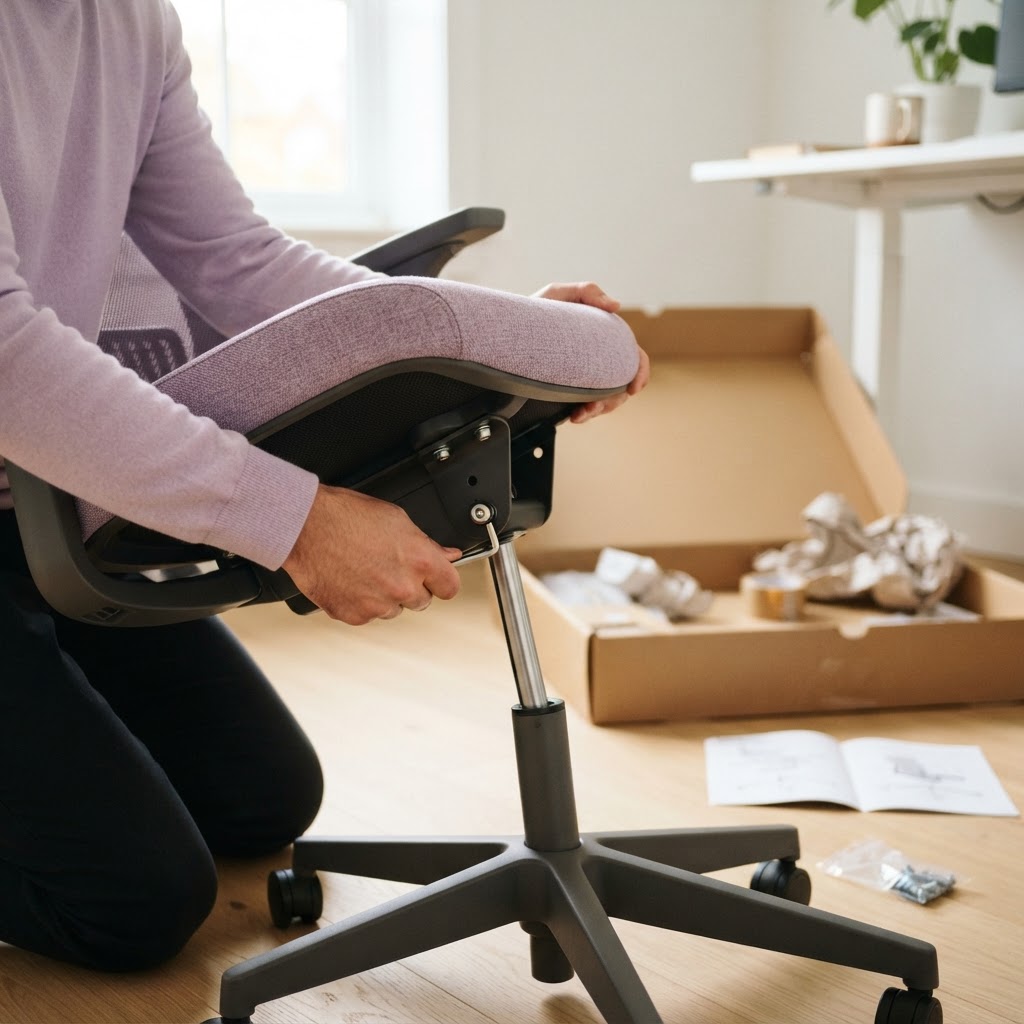
Ergonomic seating: Office chairs, lumbar supports, seat cushions, and posture correctors.
Desks and surfaces: Sit-stand desks, desk converters, monitor arms, and keyboard trays.
Displays and peripherals: External monitors, webcams, headsets, keyboards, and mice designed to reduce strain.
Lighting and air quality: Task lamps, blue-light filters, air purifiers, and small humidifiers.
Wellness accessories: Under-desk exercise equipment, footrests, wrist supports, and noise-cancelling headphones.
Employers using GoKlaim's WSA-eligible expenses framework can extend or narrow this list based on team roles and budget.
How WSA coverage compares to a stipend or reimbursement policy
A one-time stipend paid through payroll gives employees cash but creates no visibility into what was purchased, no shared standard across the team, and no way to encourage ergonomic choices. A wellness spending account provider handles the receipt, categorization, and reimbursement process inside a single system, which means finance sees clean reporting and employees see a defined benefit rather than variable compensation.
How to choose a WSA provider for home office coverage
Selecting a provider comes down to five practical questions: how flexible are the eligible categories, how fast are reimbursements processed, how transparent is the pricing, how well does the platform handle remote employees across provinces, and how much administrative work lands on HR. Providers vary widely on each of these dimensions, and the differences matter more for distributed teams than for co-located ones.
Evaluation criteria that separate strong providers from weak ones
The table below compares the criteria HR leaders should weigh when evaluating a wellness spending account provider specifically through the lens of home office equipment coverage. It is written for Canadian employers assessing options in 2026 and can be adapted into your own scoring matrix. For a broader review of platforms, see this WSA provider comparison.
Criterion | What to look for | Why it matters for home office |
|---|---|---|
Category customization | Employer defines eligible items at plan setup | Home office is not a default category on every WSA |
Claim processing speed | Digital submission with automated review | Equipment purchases often involve larger receipts |
Pricing model | Flat per-employee fee, no percentage skim | Predictable cost as headcount grows |
Multi-province support | Handles Quebec and English Canada uniformly | Remote teams span multiple tax jurisdictions |
Rollover rules | Unused funds carry to the next plan year | Big-ticket ergonomic purchases benefit from accumulation |
The most useful signal is category customization: if a provider forces you into a fixed menu that excludes workspace equipment, none of the other features will compensate. GoKlaim's home office equipment coverage is configurable at the employer level, which is why it fits distributed Canadian teams.
Cost structure and what employers actually pay
Wellness spending account pricing generally falls into two models: a flat per-employee-per-month administration fee, or a percentage of claims processed. Percentage-based pricing looks cheaper at low usage but scales unpredictably as employees engage with the benefit, which is exactly the outcome employers should want. A flat-fee model rewards high utilization instead of penalizing it, making it the better fit for employers rolling out a new home office category where claim volume is expected to rise in the first year.
Setting up a WSA that works for remote teams
Implementation is where many WSA rollouts stumble, particularly for small businesses without a dedicated benefits administrator. A well-scoped program takes a few weeks from provider selection to first claim, and the sequence matters. Define the eligible categories first, set per-employee allowances second, communicate the plan to employees third, and open the platform for claims last. Skipping communication is the most common failure mode, because employees do not use benefits they do not understand. A structured approach to setting up a WSA avoids most of these pitfalls.
Tax treatment and where GoKlaim fits
In Canada, a wellness spending account is generally treated as a taxable benefit for employees, meaning reimbursements are added to their T4 income, while the employer deducts the expense. This differs from a health spending account, which reimburses medical expenses on a non-taxable basis under CRA rules. Employers offering home office equipment through a WSA should communicate this treatment clearly during enrolment, because it affects how employees perceive the net value of each dollar reimbursed. Platforms like GoKlaim's WSA solution provide reporting and analytics tools that help HR and payroll teams track taxable reimbursements throughout the year. For employers weighing traditional insurance against a spending account model, the flexibility of a WSA is often the decisive factor, particularly when workplace wellness resources from the Canadian Centre for Occupational Health and Safety are used to frame the ergonomic case internally.
Conclusion
Choosing a wellness spending account for home office equipment is less about finding the cheapest provider and more about finding one whose category logic, pricing model, and administrative workflow match how your team actually works. Canadian employers building permanent remote or hybrid structures should prioritize category customization, flat-rate pricing, and digital claim processing over legacy provider brand recognition. Home office coverage is no longer a novelty benefit but a baseline expectation for knowledge workers evaluating employers in 2026. GoKlaim was built for this shift, giving employers control over eligible expenses and employees a straightforward way to invest in the setup that supports their work. The right platform makes the benefit visible, valued, and simple to manage.
Ready to build a benefits program that actually supports remote and hybrid teams? Explore GoKlaim's wellness spending account platform to see how flexible categories and transparent pricing can modernize your home office coverage.
Frequently Asked Questions (FAQs)
What is a wellness spending account?
A wellness spending account is an employer-funded benefit that reimburses employees for lifestyle and wellness expenses defined by the employer, and it typically covers items outside the scope of traditional health insurance such as gym memberships, professional development, and home office equipment.
What expenses are eligible for wellness spending accounts?
Eligible expenses under a wellness spending account are determined by the employer at plan setup, and they commonly include fitness costs, mental health services, professional development, and workspace equipment like ergonomic chairs, desks, and monitors for remote employees.
Is a wellness spending account a taxable benefit in Canada?
Wellness spending account reimbursements are generally treated as a taxable benefit for employees in Canada, meaning the reimbursed amount is added to the employee's T4 income while the employer claims the corresponding business expense deduction.
What is the difference between an HSA and a WSA?
A health spending account reimburses CRA-approved medical expenses on a non-taxable basis, while a wellness spending account covers broader lifestyle and workspace expenses defined by the employer and is treated as taxable income to the employee.
Can I offer wellness benefits to remote employees across Canada?
Employers can offer wellness spending accounts to remote employees anywhere in Canada, and a good provider will handle multi-province administration uniformly so that workers in Quebec, Ontario, and other provinces receive the same benefit experience.
How do wellness spending accounts work for small businesses?
Small businesses typically partner with a WSA provider that administers the plan on a flat per-employee-per-month fee, letting the employer fund individual allowances, define eligible categories, and process employee claims digitally without building internal benefits infrastructure.
How do I choose the best employee benefits provider for home office coverage?
The best provider for home office coverage offers customizable eligible categories, flat-rate transparent pricing, fast digital claim processing, multi-province support, and rollover of unused funds so employees can save toward larger ergonomic purchases.
About the Author
Amanda Brooks is a Senior Content Writer specializing in employee benefits, HR technology, and workplace wellness. She translates complex benefits administration topics into practical guidance for Canadian HR leaders and small business owners. Her work focuses on how modern benefits platforms shape employee experience in remote and hybrid workplaces.