





Quick Answer
A wellness account provider that covers home office equipment should offer customizable expense categories, fast mobile reimbursement, clear eligibility rules for ergonomic gear, and rollover flexibility. The strongest providers let employers define what counts as eligible, from standing desks to monitors, while giving employees a simple app-based claims experience.
Introduction
Remote and hybrid work has permanently reshaped what employees expect from their benefits, and a WSA home office allowance has become one of the most requested perks in Canada. HR leaders now need a wellness spending account provider that treats ergonomic chairs, desks, and monitors as legitimate wellness investments, not gray-area exceptions. The challenge is that providers differ significantly in what they classify as eligible, how fast they reimburse, and how much control employers actually keep. Some platforms bury home office categories inside rigid templates, while others allow employers to build categories from scratch. Choosing the wrong partner can mean frustrated employees, delayed reimbursements, and a benefits program that fails the people it was designed to support.
Key Takeaways:
A strong WSA provider lets employers customize home office categories and eligible expense lists.
Fast mobile claims, transparent pricing, and rollover flexibility separate modern platforms from legacy ones.
Home office coverage should include ergonomic furniture, monitors, and accessories that support employee wellbeing.
Why Home Office Coverage Belongs in a Wellness Spending Account
Home office equipment sits at the intersection of productivity and physical health, which is exactly why it belongs inside a wellness spending account rather than a separate stipend program. Employees working from kitchen tables develop back pain, wrist strain, and posture issues that cost employers far more in absenteeism than a one-time chair reimbursement would. Treating ergonomic gear as a wellness expense reframes the conversation from perk to prevention.
The Shift Toward Ergonomic Wellness
Ergonomic home office expense coverage is now a mainstream category rather than a niche request. According to remote worker reimbursement practices, employees routinely spend hundreds of dollars out of pocket on equipment their employers do not formally provide. A WSA closes that gap in a structured, tax-efficient way.
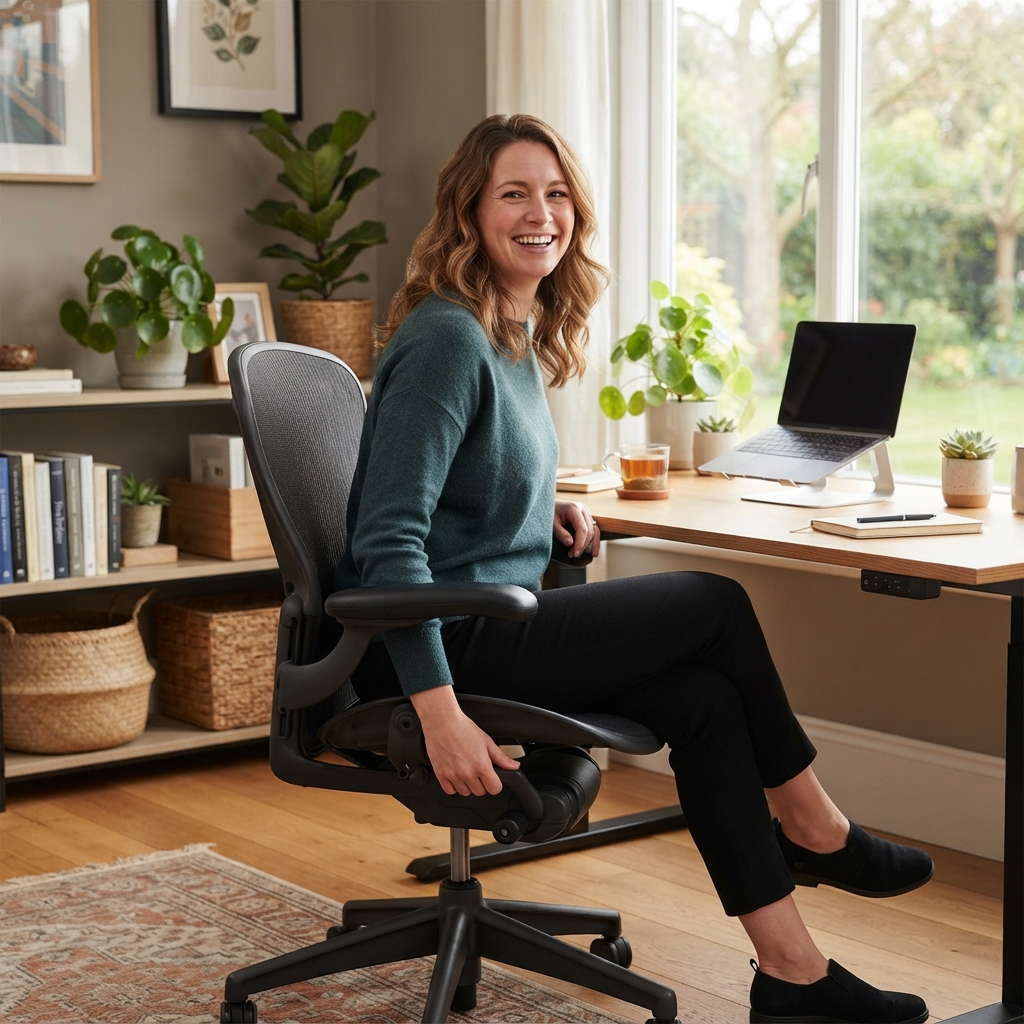
Ergonomic seating: Chairs with lumbar support, adjustable armrests, and proper seat depth.
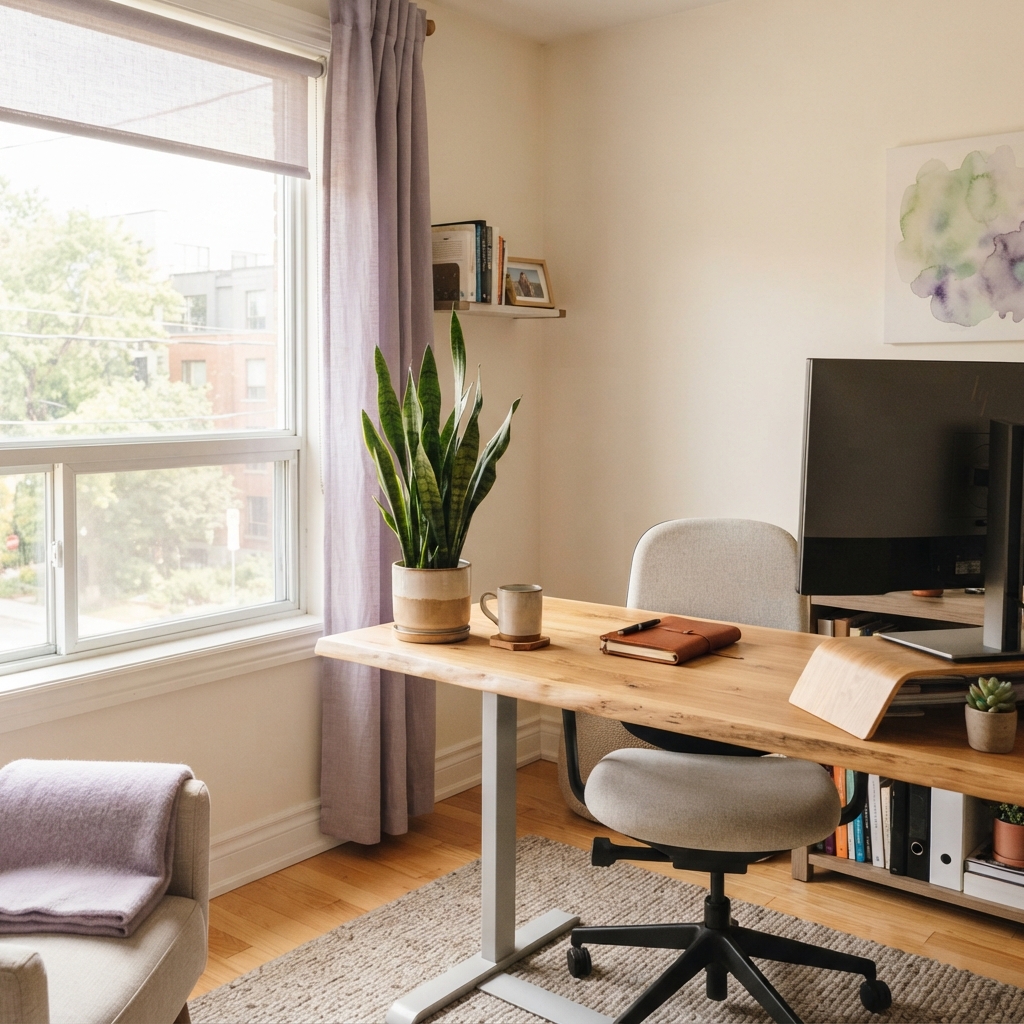
Sit-stand desks: Height-adjustable surfaces that reduce sedentary strain during long workdays.
Monitor setups: External displays, monitor arms, and risers that maintain healthy eye level.
Input accessories: Ergonomic keyboards, vertical mice, and wrist supports that prevent repetitive strain.
Lighting and air quality: Task lamps, blue-light filters, and small air purifiers that improve the workspace environment.
How Employers Are Adapting Benefit Design
Canadian employers are increasingly using WSA office furniture reimbursement categories to formalize what used to be ad-hoc expense approvals. Statistics Canada benefits data shows that workplace benefits coverage continues to shift toward flexible, employee-directed spending rather than fixed insurance plans. That shift favors providers who can accommodate a personal wellness account for work-from-home setups alongside traditional wellness categories like gym memberships and mental health services. Reviewing WSA eligible expense categories is a practical starting point for HR teams designing their first remote-friendly plan.
Core Criteria for Evaluating a WSA Provider
Not every wellness spending account provider handles home office claims equally well. The following criteria separate platforms built for modern remote teams from those retrofitting old benefits infrastructure.
Customizable Categories and Eligible Expenses
The single most important feature is whether the employer can define what counts as an eligible expense. Some providers use fixed category templates that exclude office furniture entirely, while others let HR teams add or remove items line by line. A concrete reference point is the eligible home office expenses list published by a major Canadian institution, which includes desk chairs, desks, ergonomic accessories, and web cameras. Look for a provider that can match or expand this list based on your workforce's needs, and consult a full guide to eligible WSA expenses before finalizing your plan design.
Provider Comparison at a Glance
The table below compares how different types of WSA providers typically handle home office coverage, based on common patterns in the Canadian market.
Feature | Legacy Insurance Add-On | Modern WSA Platform | Basic Stipend Tool |
|---|---|---|---|
Custom home office categories | Limited | Fully customizable | Fixed templates |
Reimbursement speed | 2 to 4 weeks | 2 to 5 business days | Manual, varies |
Mobile claim submission | Rare | Standard | Sometimes |
Rollover of unused funds | Rarely allowed | Configurable | Not supported |
Analytics for HR | Basic reports | Real-time dashboards | Minimal |
The clearest takeaway is that modern WSA platforms outperform legacy insurance add-ons and simple stipend tools on nearly every axis that matters for home office coverage. For a deeper side-by-side look, the roundup of best wellness spending account providers in Canada breaks down individual vendors in more detail.
Platform Features That Make or Break the Employee Experience
Even with the right eligible expenses defined, the employee experience determines whether a wellness program actually gets used. Home office claims often involve larger receipts than gym memberships, so speed and clarity matter more.
Mobile Claims, Reimbursement Speed, and Rollover
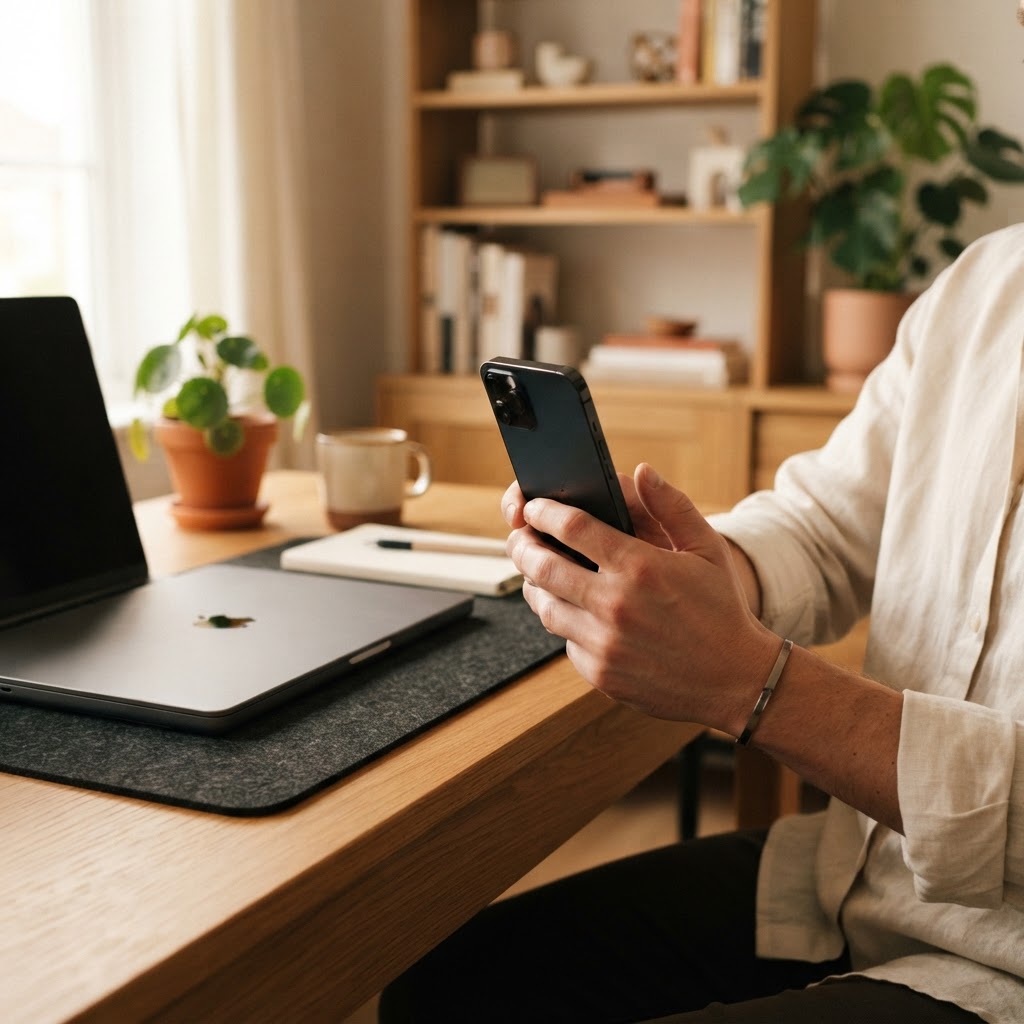
Employees expect to snap a photo of a receipt and submit a claim in under a minute. Providers like GoKlaim offer full mobile submission on iOS and Android, with reimbursements typically processed within a few business days rather than weeks. Rollover flexibility is equally critical: if an employee saves for a full year to buy a quality ergonomic chair, their unused balance should carry forward instead of expiring. This kind of flexibility is a defining feature of the strongest remote employee benefits platforms operating in Canada today.
Compliance, Tax Treatment, and Reporting
WSAs are considered taxable benefits in Canada, unlike HSAs, and a good provider makes this distinction clear during setup and at year-end. In the WSA vs HSA for remote employees debate, WSAs win on flexibility because they can cover lifestyle and home office items that HSAs cannot, while HSAs remain the tax-preferred vehicle for medical costs. Employers benefit most when they can offer both through a single platform, giving employees comprehensive coverage without administrative overhead. Clean reporting also matters at tax time, so look for automatic T4 integration and downloadable summaries for finance teams managing employee benefits in Quebec and other provinces with distinct rules.

Conclusion
Choosing a WSA provider for home office coverage comes down to control, speed, and clarity. Employers should demand customizable categories that explicitly include ergonomic furniture and monitors, fast mobile reimbursement that respects employees' time, and transparent tax handling that avoids surprises. Rollover flexibility, real-time analytics, and a single platform that supports both HSAs and WSAs make the difference between a benefit employees appreciate and one they ignore. Platforms like GoKlaim were built specifically for this modern reality, giving HR teams the tools to support distributed workforces without the friction of legacy systems. The right provider turns a home office allowance into a genuine wellness investment, one that pays back in retention, productivity, and healthier employees.
Ready to build a benefits program that actually supports your remote team? Explore how GoKlaim covers home office equipment and see how flexible WSA design can transform your employee experience.
Frequently Asked Questions (FAQs)
What is a wellness spending account for home office?
A wellness spending account for home office is an employer-funded benefit that reimburses employees for wellness-related workspace items like ergonomic chairs, desks, and monitors used in their remote setup.
Can I use my wellness account for office equipment?
Yes, if your employer has included office equipment as an eligible category, you can submit claims for items like desks, chairs, monitors, and ergonomic accessories through your WSA.
Are home office expenses covered under WSA?
Home office expenses are covered under a WSA when the employer designates them as eligible, which is increasingly common as remote work becomes a permanent arrangement for Canadian teams.
Is a wellness spending account a taxable benefit?
A wellness spending account is generally considered a taxable benefit in Canada, meaning reimbursements are added to the employee's income for tax purposes, unlike a Health Spending Account.
How do employees submit home office claims?
Employees typically submit home office claims through a mobile app or web portal by uploading a photo of the receipt, selecting the expense category, and confirming the amount for reimbursement.
How to set up home office stipends for employees?
Employers set up home office stipends by choosing a WSA provider, defining eligible categories and allowances, and rolling out the platform so employees can submit claims and get reimbursed digitally.
About the Author
Amanda Brooks is a Senior Content Writer specializing in employee benefits, HR technology, and workplace wellness. She translates complex benefits administration topics into practical, research-driven insights for HR leaders and business owners across Canada.